Opens on the 500KB ceiling
LinkedIn covers, website heroes, and social posts often print 500KB. This URL starts at 500 so you spend the legal budget, not a 200KB crush the platform did not ask for.
LinkedIn / hero / social · Default 500KB · Files stay local
Compress image to 500kb when the platform prints a 500KB maximum, including LinkedIn covers, website heroes, and social posts that are looser than 200KB. This page opens at 500KB. If the notice also lists pixels, open Width × height. Download is JPG. Nothing is uploaded.
Drop images here or click to select
JPG, PNG, WebP, HEIC, AVIF. Phone up to 80MB, computer up to 150MB. 20 files.
Open this only if the form also prints pixels. Leave it closed to hit the KB cap the usual way.
Features
The homepage MozJPEG Worker is the one on this URL. This address exists because a 500KB LinkedIn cover or website hero is not a 200KB job-portal ceiling. Spend the legal 500KB on a full-width banner instead of treating 200 as the goal. The 100KB job stays oncompress image to 100KB.
LinkedIn covers, website heroes, and social posts often print 500KB. This URL starts at 500 so you spend the legal budget, not a 200KB crush the platform did not ask for.
PRESET_SIZES already lists 500. The 500 KB chip is selected. 500KB is 512,000 bytes — looser than a 200KB job portal, tighter than a 1MB mail box. A rooftop cover keeps more detail than a 200KB crush.
A LinkedIn cover or a WordPress hero never leaves this tab. MozJPEG runs in a local Worker, so a shared cafe laptop does not send the pixels to a host you did not choose.
PNG, WebP, or HEIC can go in. The file you save is JPG. A designer PNG banner often blows past 500KB; LinkedIn and many CMS boxes still want JPG when they reject PNG.
The printed ceiling
Compress image to 500kb means shrinking a file to 512,000 bytes or less so a platform that says maximum 500KB accepts it. On LinkedIn covers, WordPress heroes, and many social posts that line is a hard ceiling. One kilobyte over and the upload fails.
People still search compress image to 500kb as if they had to invent 500 on a generic compressor. They do not. The tool hits one target. On this URL that target is 500. A 480KB JPG is a success. A 200KB crush on a cover the host allowed to be 500KB is wasted quality.
500KB is five times the homepage 100KB default and half a 1MB mail box. A typical phone photo is still 2–8 MB, so you do need a compressor. You do not need to land on 200KB unless the notice said so. This address uses the homepage MozJPEG Worker. The homepage H1 stays Compress image to 100KB. The 200KB page exists for job portals. The 1MB page exists for email boxes. This path exists because the search said 500KB. The 500 KB chip is already selected. PNG or WebP can go in. The download is JPG on purpose. Nothing is uploaded.
If the notice only says 100KB, use the homepage. If it says 200KB, usecompress image to 200KB. If it says 1MB, usecompress image to 1MB. Stay here when 500KB is the printed maximum.
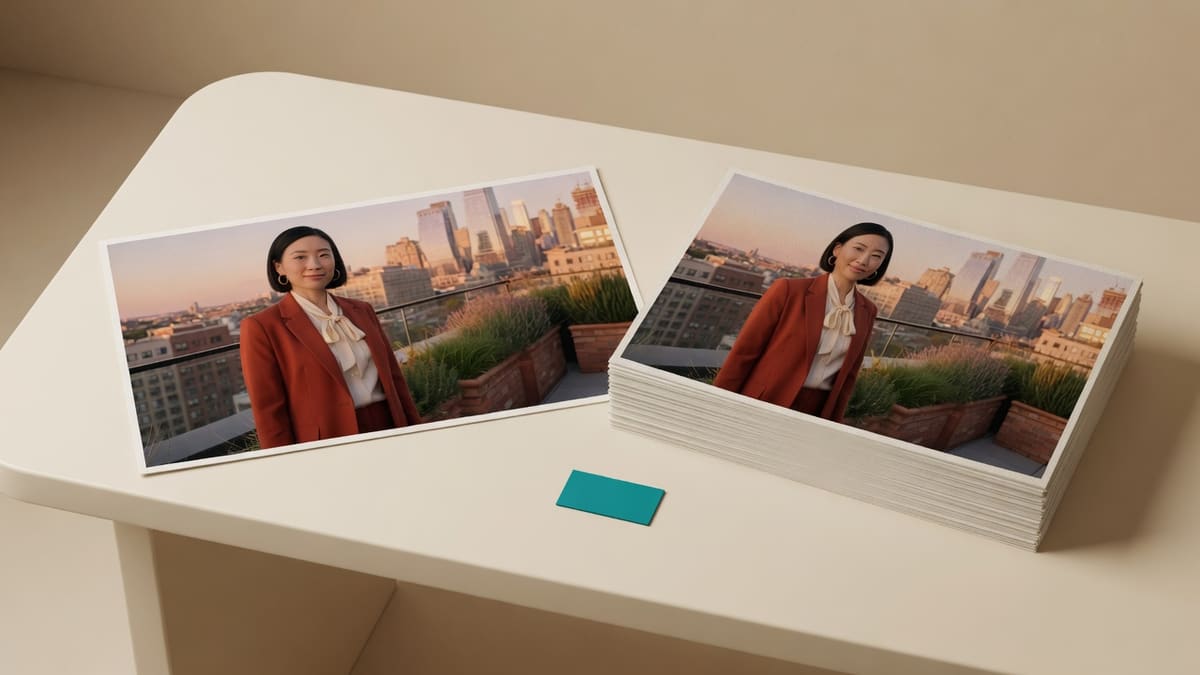
JPG in, JPG out
compress jpg to 500kb, compress jpeg image to 500kb, and compress image jpg to 500kb are the same download: a JPG at or under 500KB. The encoder does not turn your photo into PNG or PDF.
If the original is already a JPG under 500KB, ImageTo100.com keeps it. If it is a PNG or HEIC under 500KB, the file is still saved as JPG because LinkedIn and many CMS validators often reject PNG. That conversion is the point, not a side effect you have to undo.
Searches for compress jpg to 500kb pdf still want a picture, not a new PDF. Compress here, then attach the JPG in the post, the deck, or the PDF tool you already use.
How to
Leave 500KB, click Compress now, then check the size on the device before you open the LinkedIn or CMS upload box.
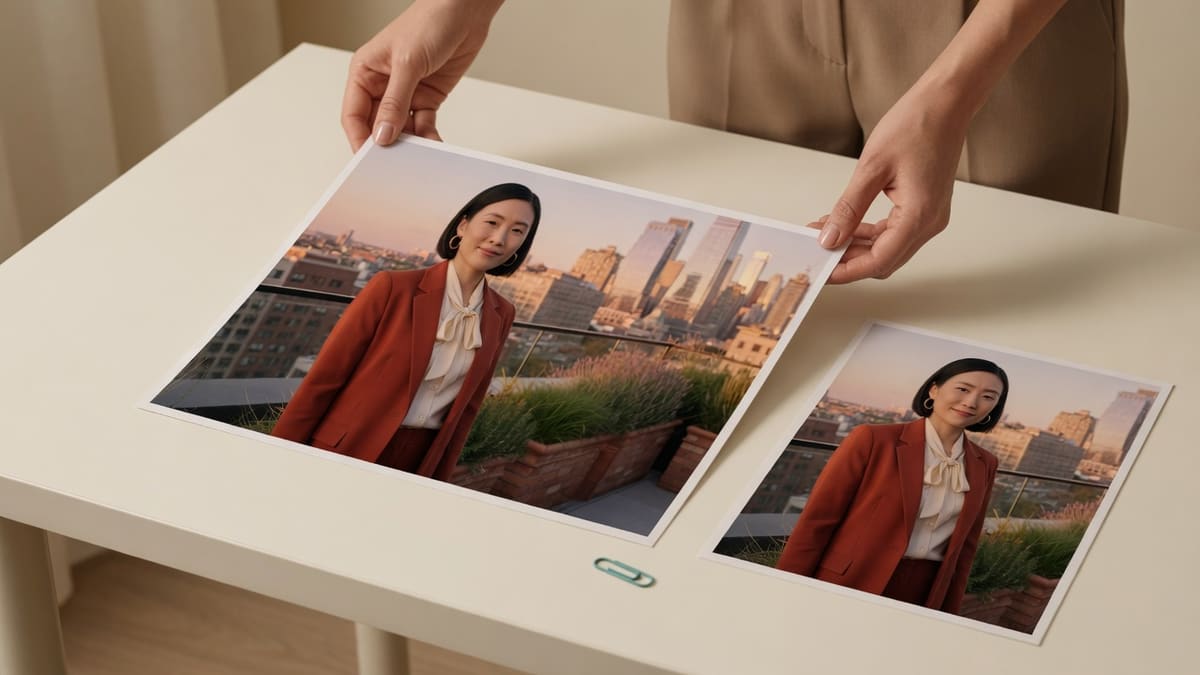
Step 1
Add a JPG, PNG, WebP, or iPhone HEIC. Leave the box at 500. The 500 KB chip is already selected. Batch up to 20 files.
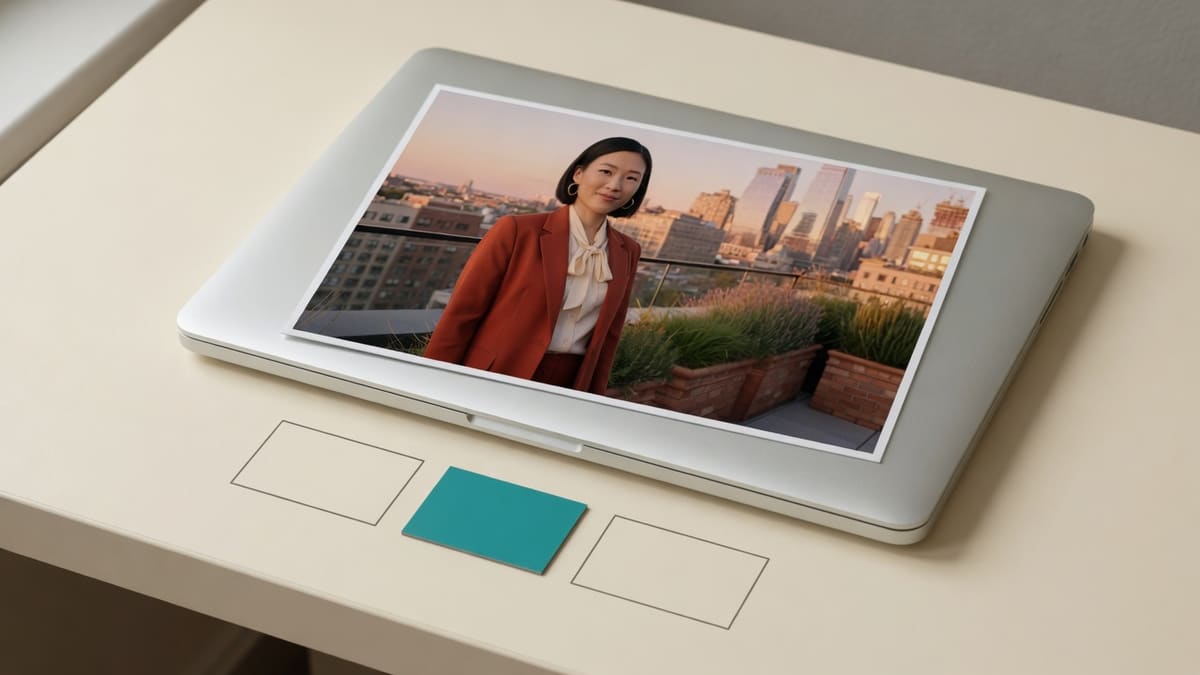
Step 2
A LinkedIn cover is 1584 × 396. Some heroes also list pixels. Open Width × height, type those numbers, and leave 500KB so the byte pass is last.
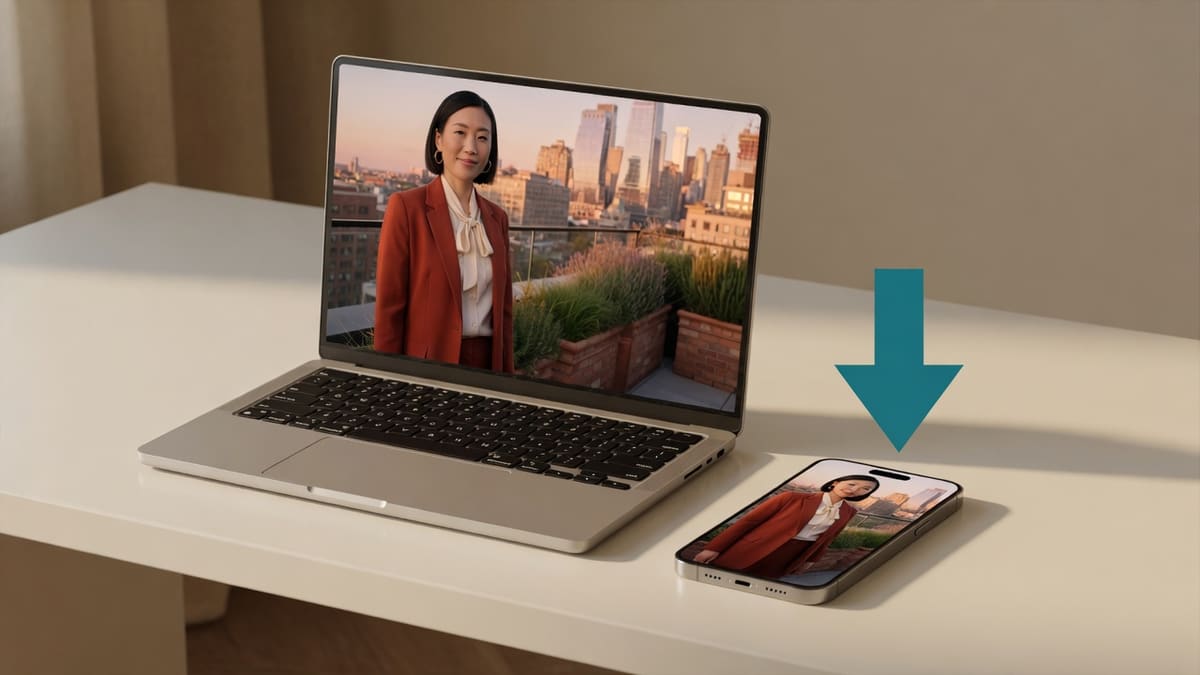
Step 3
Click Compress now. A 420KB or 480KB JPG is a pass. The platform rejects files over 500KB. It does not require you to land on 200KB.
Which URL
Live size pages share one MozJPEG Worker. Pick the URL whose default matches the printed maximum. Do not clone a second 500KB address.
Leave 500. That is compress image to 500kb, compress photo to 500kb, and compress image under 500kb on one URL.
Job, visa, and many profile boxes still say 100KB. Openimageto100.comand leave 100.
Job, admission, and ID boxes that print 200KB belong onthe 200KB page.
Email and listing boxes that print 1MB belong onthe 1MB page.
If the notice only says 100KB, useimage to 100KBinstead of this 500KB default.
No image-to-PDF and not iLovePDF. Attach the 500KB JPG to the post, the deck, or the PDF tool you already use.
Why this page
A LinkedIn cover or a website hero stays easier to read at 500KB than after a needless 200KB crush the platform did not require you to make.
You do not have to type 500 on the homepage. compress image to 500kb on this URL is the job those LinkedIn cover and web hero searches describe.
Close the tab and the cover crop is gone from memory. Do not email the original banner to a random host just to hit 500KB.
If a huge uncropped scene cannot fit, you see a best-effort note. Crop the subject, or move to a larger typed cap if the host allows it.
Limits and tips
A 40-megapixel landscape still struggles if you refuse to crop. Crop to the cover, the product, or the person, then run compress image to 500kb again. Use “Shrink further” only if you accept a softer result. If the notice actually allows 1MB, open the 1MB page instead of forcing a 500KB ceiling.
Use cases
Input: Wide rooftop portrait or company banner, often 2–8 MB from a phone or a PNG export
Setting: 500KB default on this page, plus 1584 × 396 if you need the LinkedIn cover box
Output: JPG at or under 500KB
Caveat: LinkedIn covers and article images often print a 500KB maximum. That is a ceiling of 500KB, not a request to land on 200KB. If the printed cap is 200, use the 200KB page.
Input: A full-width hero or a blog banner exported from a design tool
Setting: 500KB, plus Width × height if the theme lists pixels
Output: File the upload validator will take
Caveat: A PNG hero with flat fills often blows past 500KB. This page writes JPG. Shared hosting that prints 1MB belongs on the 1MB page, not here.
Input: A Facebook post image, a community upload, or a forum attachment
Setting: 500KB if the box prints a 500KB maximum
Output: JPG the platform accepts on size
Caveat: Discord and Slack GIF caps belong on the GIF compressor. Job and admission 200KB boxes belong on the 200KB page.
Input: A still product shot a store or portfolio caps at 500KB
Setting: 500KB if that line really says 500KB
Output: Sharper JPG than a 200KB crush
Caveat: Webmail 1MB boxes belong on the 1MB page. Crop the product first if the scene is huge. 500KB is not lossless.
FAQ
These answers are for the 500KB default. The 200KB job page, the 1MB page, and the100KB FAQcover those other ceilings.
Stay on this URL, drop the LinkedIn cover or website hero, leave 500 in the size box, and click Compress now. compress image to 500kb online is a JPG at or under 512,000 bytes, encoded in this tab by the MozJPEG Worker. If the platform actually caps you at 200KB, 100KB, or 1MB, use those other URLs instead of this 500KB default.
Yes. There is no account, no watermark, and no daily cap. The 500KB download is JPG. You are not starting a trial. compress image to 500kb free online is this page: drop the photo, leave 500, download.
Yes. JPG in stays JPG out. That is compress jpg to 500kb on this URL. PNG, WebP, or HEIC can go in; the download is still JPG so LinkedIn, WordPress, and social boxes that reject PNG still accept the file.
Yes. Compress photo to 500kb and compress image to 500kb use this MozJPEG Worker. A camera original that is several megabytes still has room at 500KB, so a LinkedIn cover, a website hero, or a product shot stays sharp for the 500KB cap.
Open this page in Safari, pick the photo from the camera roll, leave 500KB, tap Compress now, then check the size in Files. HEIC from iPhone is decoded when the browser can read it. The download is still JPG, which is what most LinkedIn and CMS boxes want.
Leave 500. The encoder stops at or under 512,000 bytes, so compress image under 500kb is the normal result here. Type 480 or 490 only if a host counts 500,000 decimal bytes instead of 500 KiB. Do not drop to 200KB unless the platform actually caps you there.
No. A cover crop or a hero banner never leaves this tab. MozJPEG runs in a local Worker. Analytics may log the format and success or fail. The pixels themselves are not sent to ImageTo100.com servers.
No. This tool does not open a PDF and does not write a PDF. It is not iLovePDF. Searches like compress image to 500kb pdf usually want a 500KB JPG to drop into a post, a deck, or a form. Compress the picture here, then attach that JPG in the PDF tool you already use.
PNG can go in. The file you save is JPG at or under 500KB. A LinkedIn cover or WordPress hero exported as PNG often blows past 500KB because of flat fills. This page does not write a 500KB PNG. Switch the download to JPG on the same pass.
Use this URL when the printed maximum is 500KB, including LinkedIn covers, website heroes, and social posts that sit between a 200KB job portal and a 1MB mail box. If the form says 200KB, open the 200KB page. If it says 100KB, open the homepage. If it says 1MB, open the 1MB page.
Yes. If the notice says 200KB to 500KB, or 100KB to 500KB, the legal maximum is 500. Leave 500 on this URL. compress image 200kb to 500kb is that top-of-range job. Leave 200 on the 200KB page only when 200KB is the printed ceiling, not the floor.
A JPG already under 500KB is kept. A PNG, WebP, or HEIC under 500KB is still saved as JPG so platforms that reject PNG accept the file. Do not crush further unless the host also has a tighter ceiling.
Only if the platform also lists pixels, such as a 1584 × 396 LinkedIn cover. Open Width × height, type those numbers, and leave 500KB so the byte pass is last. Closed, this page only hits the 500KB ceiling. The center of the photo is kept if the shape differs.
Yes. Drop up to 20 files, leave 500, click Compress now, then Download all. Each file is encoded to its own 500KB ceiling. This is not a ZIP factory and not a PDF binder. A product gallery or a set of social posts is a normal batch here.
No. ImageTo100.com is not TinyPNG, 11zon, or iLovePDF. This URL still does the 500KB job in your browser: drop the photo, leave 500, download a JPG. Nothing is uploaded to ImageTo100.com servers.
Yes. A 5MB or 8MB camera file is a normal input here. Leave 500. compress image mb to 500kb is this MozJPEG Worker: one target, 500KB. Files already under 500KB that are JPG are kept; other formats still save as JPG.
Ready
Leave the size at 500KB, drop the photo, then download the JPG. Use the full ceiling the platform already gave you.
Open the 500KB compressorYour feedback helps us make ImageTo100.com better.

Thank you for your feedback