Default 100KB, any custom size
The size box starts at 100KB. Type 10, 20, 50, 200, 500, or any other limit your form asks for.
Free · Batch 20 · Files stay local
Compress image to 100KB — or compress a photo to the same size — in this browser. Drop up to 20 files, leave the default at 100KB, or type 10KB, 200KB, 1MB, whatever the form says. Click Compress now. Download is JPG.
Drop images here or click to select
JPG, PNG, WebP, HEIC, AVIF. Phone up to 80MB, computer up to 150MB. 20 files.
Open this only if the form also prints pixels. Leave it closed to hit the KB cap the usual way.
Features
ImageTo100.com is a size-first compressor, not a quality slider you have to guess. You name the cap; the page finds the sharpest JPG that still fits.
The size box starts at 100KB. Type 10, 20, 50, 200, 500, or any other limit your form asks for.
MozJPEG searches quality first in a local Worker, then shrinks pixels only if the file is still too large.
Compression runs in this tab. Photos never go to ImageTo100.com servers.
Drop one passport photo or up to 20 files. Same KB target for every file. Download each, or Download all.
What it is
Compress image to 100KB means shrinking a photo to 102,400 bytes or less so a form that says “maximum 100KB” accepts it. Compress photo to 100KB is the same job — image and photo are the same tool. ImageTo100.com does that in this browser: default 100KB, no upload, JPG download, up to 20 files in one batch.
A typical phone photo is 2–8 MB. The result should still be usable on a form: a face stays readable, a signature stays dark enough, a product shot still shows the item.
This is different from “compress for the web,” which often means “make it somewhat smaller.” A portal that says 100KB will reject 101KB. It is also different from a generic image compressor that only offers a 60% quality slider. Those tools cannot promise the byte cap your form printed.
ImageTo100.com supports JPG, PNG, and WebP on the way in. The download is always JPG — compress image to 100KB jpg format is the default, not an extra step. If you only need a smaller WebP for your own site, you can still use the same target and re-encode later — the homepage job is still image to 100kb for the form limit.
Other sizes
People search compress photo, compress photo online, and compress image to 100 as well as the 100KB default. Same compressor. Type the number your form printed. We do not convert images to PDF.
Compress image to 100KB or compress photo to 100KB. Leave the box at 100.
Online JPG for forms. PNG or WebP in, JPG out so portals that reject PNG still accept the file.
If the form says 100KB to 200KB, type 200. A single target hits the top of that range.
Exam signatures and tight ID boxes. If the form only says 20KB, use the 20KB page below. A 20KB to 50KB band belongs on the 50KB page. Otherwise type 10 or 40 here.
Email and chat. Type 300, 500, 512, or 1000. The 1 MB chip is 1024KB.
Larger mail or listing photos. The dedicated 1MB page opens at 1024KB. Type 2048, 3072, or 5120 here for other caps. Custom range is 5KB to 10MB, not 100MB.
Email, CMS, and listing boxes that print a 1MB maximum. This URL starts at 1024KB so you do not type it. JPG out, no upload.
Hit the 1MB email and CMS ceiling →Job, admission, and ID portals that print a 200KB maximum. This URL starts at 200KB so you do not type it. JPG out, no upload.
Hit the 200KB job and admission ceiling →Screenshots and logos that must stay PNG under 100KB. Keeps transparency. Starts at 100KB. Not a silent JPG conversion.
Compress PNG to 100KB now →Convert image from MB to KB when the original is still a few megabytes. Type any kilobyte cap. Same MozJPEG encoder, JPG out, no upload.
Convert image from MB to KB →Compress GIF when the loop must keep playing. Type Discord or Slack caps. Gifsicle in this tab, GIF out, no upload.
Compress GIF now →Exam, admit-card, and ID forms that reject 21KB. Same MozJPEG encoder, default locked to 20KB. Open Width × height if the prospectus also lists pixels.
Shrink image to 20KB now →SSC, IBPS, and bank forms that print 20KB to 50KB. This URL starts at 50 so you use the legal ceiling instead of crushing a recruitment photo down to 20.
Hit the 50KB form ceiling →Phone files over 80MB and computer files over 150MB crash this tab. That URL uploads only those overflow files, shrinks the original, then finishes the KB target here. Largest file we accept is 500MB.
Shrink a large camera original →Searches like “compress image to 100kb pdf,” “i love pdf,” or “compress image to pdf” usually mean a JPG that is small enough to drop into a PDF form or an iLovePDF upload. This page does not make a PDF and is not iLovePDF. Compress here, then attach the JPG to the form or PDF tool you already use.
“Without losing quality” still has a byte cap. The encoder keeps the highest quality that fits 100KB. It is not lossless. A 10KB target will look softer than 100KB. That is the form limit, not a hidden slider.
How to
Drop one photo or a batch of up to 20, leave the size at 100KB or type another cap, then click Compress now. The page encodes the files in this tab and gives you JPGs at or under that size. No desktop app, no email of an ID photo to a third-party host.
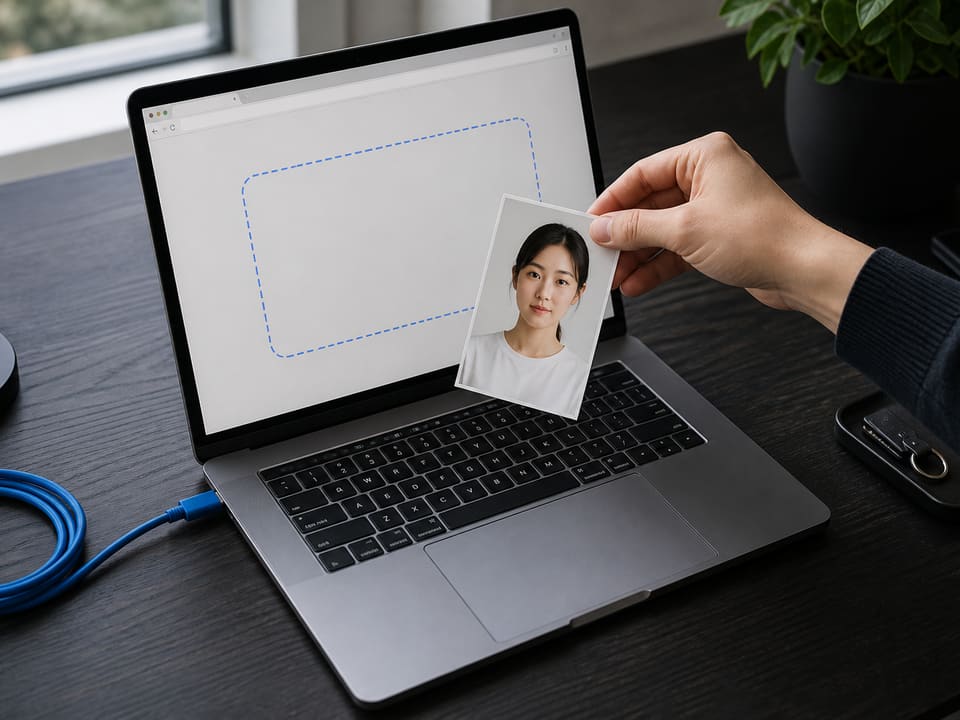
Step 1
Drop a JPG, PNG, or WebP — one file or a batch of up to 20 photos. Phone camera files work in a modern browser.
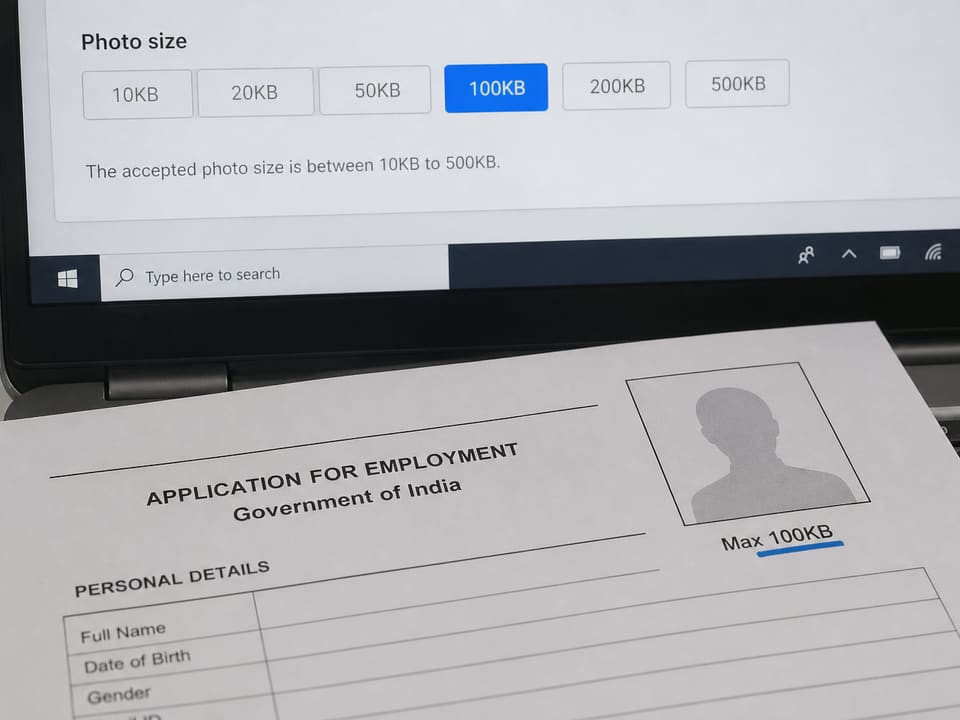
Step 2
Leave the default to compress image to 100KB. Change the number if a portal wants 10KB, 20KB, 50KB, or 200KB.
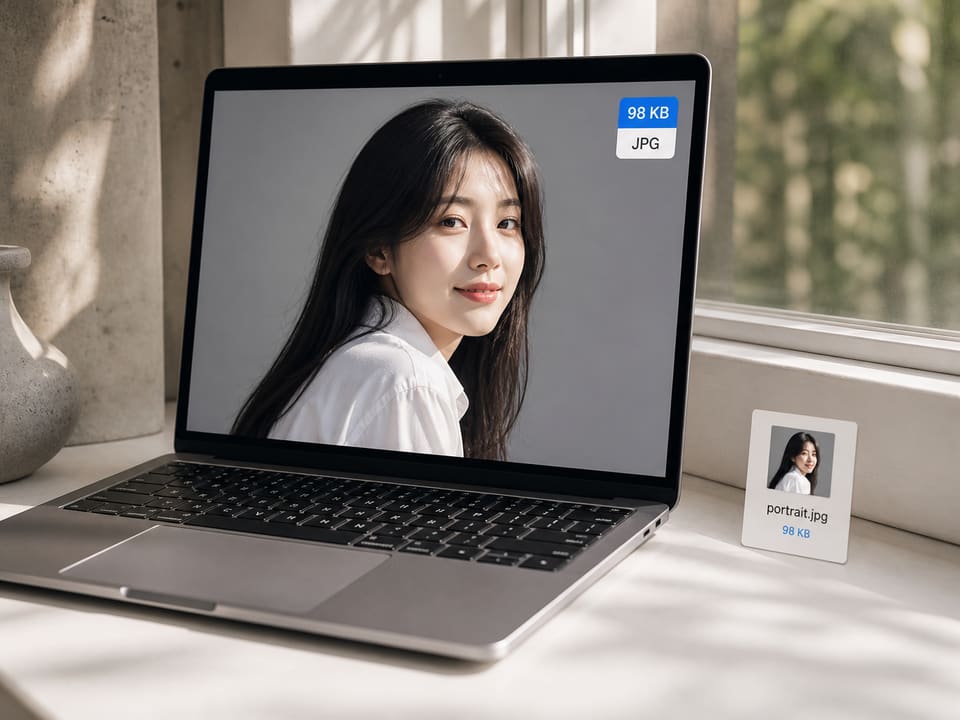
Step 3
Click Compress now. Check the before and after sizes, then save the JPG. For a batch, use Download all.
Why this page
Job portals, visa sites, and exam boards reject oversized photos. A target of 100KB on the first pass saves the retry loop.
Nothing is stored after you close the tab. That matters for ID photos and application pictures.
After the page loads, the tool does not need a fast upload pipe. A 8MB phone photo stays on the device.
If a file is already under the limit, it is left alone. If a huge panorama cannot hit 20KB, you see a best-effort note.
Limits and tips
Very small targets fail on huge originals. A 20KB cap on a 4000-pixel landscape will look blocky. Crop to the subject first. If the file is still above the cap, the tool stopped before the face smeared — crop tighter, or use Shrink further (the photo will look blurry). Raise the KB number only if the form allows it.
Use cases
Input: Phone portrait, 2–6 MB
Setting: 100KB default
Output: JPG at or under 100KB
Caveat: Open Width × height if the portal lists pixels. Still match background rules on the form.
Input: ID photo or signature scan
Setting: 10KB, 20KB, 50KB, or 100KB
Output: File the form accepts on the first try
Caveat: Signature uploads are often smaller than photos — type the exact KB.
Input: Product or receipt photo
Setting: 200KB or 500KB
Output: Smaller mail that still reads clearly
Caveat: Do not re-compress a file that is already a thumbnail.
Input: Blog or card image
Setting: 100KB for cards, 200KB for wider art
Output: Faster LCP on mobile
Caveat: Use dimensions close to the displayed size.
FAQ
Answers match the live tool: browser-only JPEG targeting, default 100KB, custom sizes allowed.
Drop the photo into the box, leave the size at 100KB, and click Compress now. If the form also lists pixels such as 413 × 531, open Width × height first. ImageTo100.com encodes in this browser and shows a download when the result is at or under 100KB.
Yes. There is no account, no daily cap on the homepage tool, and no watermark. compress image to 100kb free is the whole product: the page is a static tool, not a trial.
Yes. 100KB is only the default. Use the chips or type any number from 5KB to 10MB. Dedicated pages lock 20KB exam photos and 50KB SSC/bank ceilings. Nearby caps still use this homepage encoder.
Yes. Compress photo to 100KB, compress photo size, and compress photo online are the same homepage tool. Drop a camera photo or a scan. The word “photo” does not change the encoder.
Yes. The download is always JPG, including compress image to 100kb jpg format and compress photo to 100kb jpeg. PNG or WebP can go in; the file you save is JPG so job and visa sites accept it.
The tool keeps the highest quality that still fits the cap. That is not lossless. A 100KB JPG will look sharper than 10KB. If the form allows 100KB to 200KB, type 200 to keep more detail.
Yes. Type 200 if the form says 100KB to 200KB. The compressor hits one target, not a range. Typing 200 keeps you under the upper limit. Leave 100 if the form says maximum 100KB.
No. ImageTo100.com does not convert an image to PDF and is not iLovePDF. People searching compress image to 100kb pdf usually need a 100KB JPG to attach to a PDF form. Compress here, then add that JPG to the form or PDF tool you already use.
Yes. Type 500, 512, or 5 on this homepage. 500KB and 512KB are typical email and chat caps. 5KB has no separate URL and is extremely tight, so crop first. compress image to 500kb pdf still means a JPG under 500KB to drop into a form, not a PDF file.
Type 2048 for about 2MB or 5120 for about 5MB. compress image to 5mb jpg is still a JPG download on this page. Custom targets go from 5KB to 10MB. A 100MB cap is not a form size this tool is built for. The max you can type is 10MB.
No. The photo is decoded in this tab and encoded with MozJPEG in a local Worker. After the page is loaded, you can turn the network off and the tool still works. Analytics may record the format and whether compress succeeded; it never receives the file. Feedback, if you send it, is a separate form and never includes the image.
JPG, PNG, WebP, GIF, BMP, and AVIF work in a modern browser. iPhone HEIC/HEIF is decoded in Safari and on iPhone Chrome; desktop Chrome converts HEIC when it can. Photos picked from iCloud or Google Photos work if they are still image files — empty mime types and .jfif names are accepted. Output is JPG so you can compress jpg image to 100 kb or compress png image to 100kb and still meet form rules that reject PNG.
The tool aims at or just under the target. JPEG quality steps are discrete, so a result might land at 96–100KB rather than 100.00KB. That is enough for almost every “maximum 100KB” upload box.
Yes. Type a lower number. If you need compress image to below 100kb for a 50KB or 20KB rule, set that number and click Compress again. Quality will drop more as the cap gets smaller.
Portals cap uploads to save storage and keep pages fast on mobile. 100KB is a common ceiling for passport photos, exam forms, and profile pictures. reduce image to 100 kb is the same job as this homepage.
Batch compress up to 20 images or photos in one go. A phone can take files up to 80MB; a computer can take 150MB. After the first file, the drop zone turns into Add more and shows how many slots are left. Each file uses the same KB target. Download them one by one or press Download all.
Leave Width × height closed and quality is tried first. If a very large photo still exceeds the KB cap, the longest edge is scaled down. Open Width × height to lock a pixel box such as 413 × 531; the center of the photo is kept if the shape differs.
Yes. Open Width × height under Target size, type the pair the form prints, and leave 100KB. The page locks those pixels, then still hits the byte cap. Leave Width × height closed if the form only names 100KB.
Only to open ImageTo100.com the first time. The compressor itself does not call an image API. Theme preference may stay in LocalStorage; images do not.
No. The JPG is just your picture, re-encoded to the size you typed.
The original file is kept. The tool will not re-encode a 40KB image just to touch 100KB.
Yes. Safari and Chrome on iOS and Android can pick from the camera roll or a cloud album. HEIC from iPhone is decoded when the browser or the on-page converter can read it. If a file still fails, export JPG from Photos and drop that.
Ready
Leave the size at 100KB, or type the number on your form, then drop up to 20 photos.
Open the compressorYour feedback helps us make ImageTo100.com better.

Thank you for your feedback